

AMCP wants you to have the best experience at Nexus 2026. This step-by-step guide has resources and instructions designed to help your post get more traction and reach the right audience.
Note: Space posts days to weeks apart (recommend not to post all at once).
Step 1
Start with a short video (best option)
For maximum engagement, record a 30 to 60 second vertical selfie video and post it as a Reel, YouTube Short, or LinkedIn video. For example:
Step 2
Add the Nexus 2026 Frame to your Linkedin profile picture
Nexus 2026
See you at Nexus 2026
Upload your photo, position it, pick your color, and download a framed image for your LinkedIn profile.
Drag to reposition, pinch or scroll to zoom. ·
Step 3
Pair your video with the slides
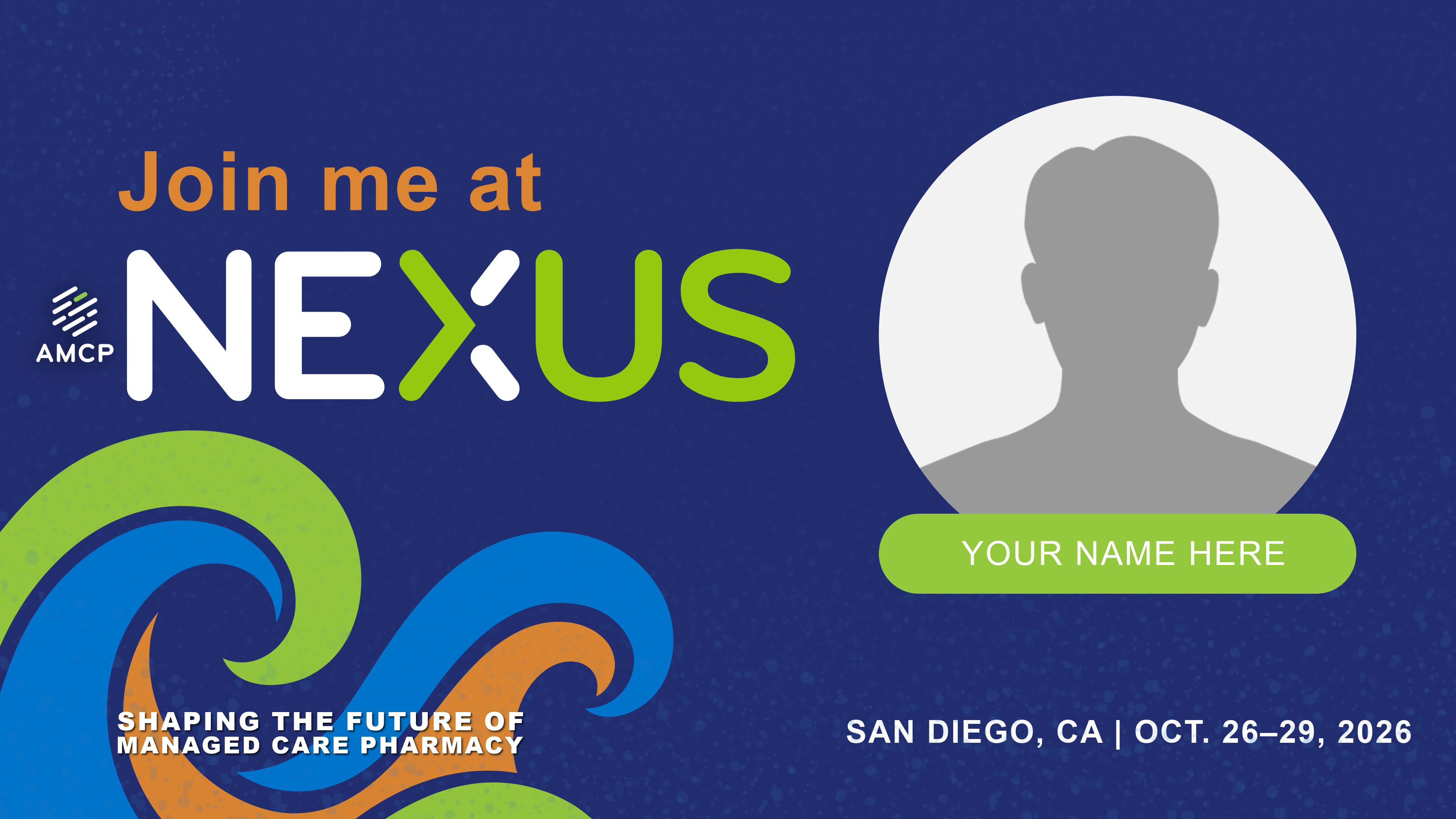
Use the customizable slide to make carousel slides, and post the 2-slide carousel (headshot + why it matters slide).
Step 4
Amplify Your Post
If you want a chance for AMCP to feature your content across our website, on socials, and after the event, submit your best pictures and videos through EnTribe (video encouraged).
For maximum engagement, try the following:

Add captions (Sample Social Media Caption)

Tag @amcporg

Include the event link in your caption: https://amcpnexus.org/

Use hashtags #AMCPNexus and #WeAreMCPs
Step 5
Extra Social Media Tips
- We highly encourage the use of the Additional Tips document to help your post perform its best online.
- For videos, try one of these scripts:
- “I'm presenting at Nexus 2026 in San Diego!”
- “Here's what I'm covering in one sentence…”
- “If you care about [audience/problem], come by. Here's what you'll walk away with…”
- Note: If you tag @amcporg or use one of our hashtags, AMCP may reshare your post on our channels and website